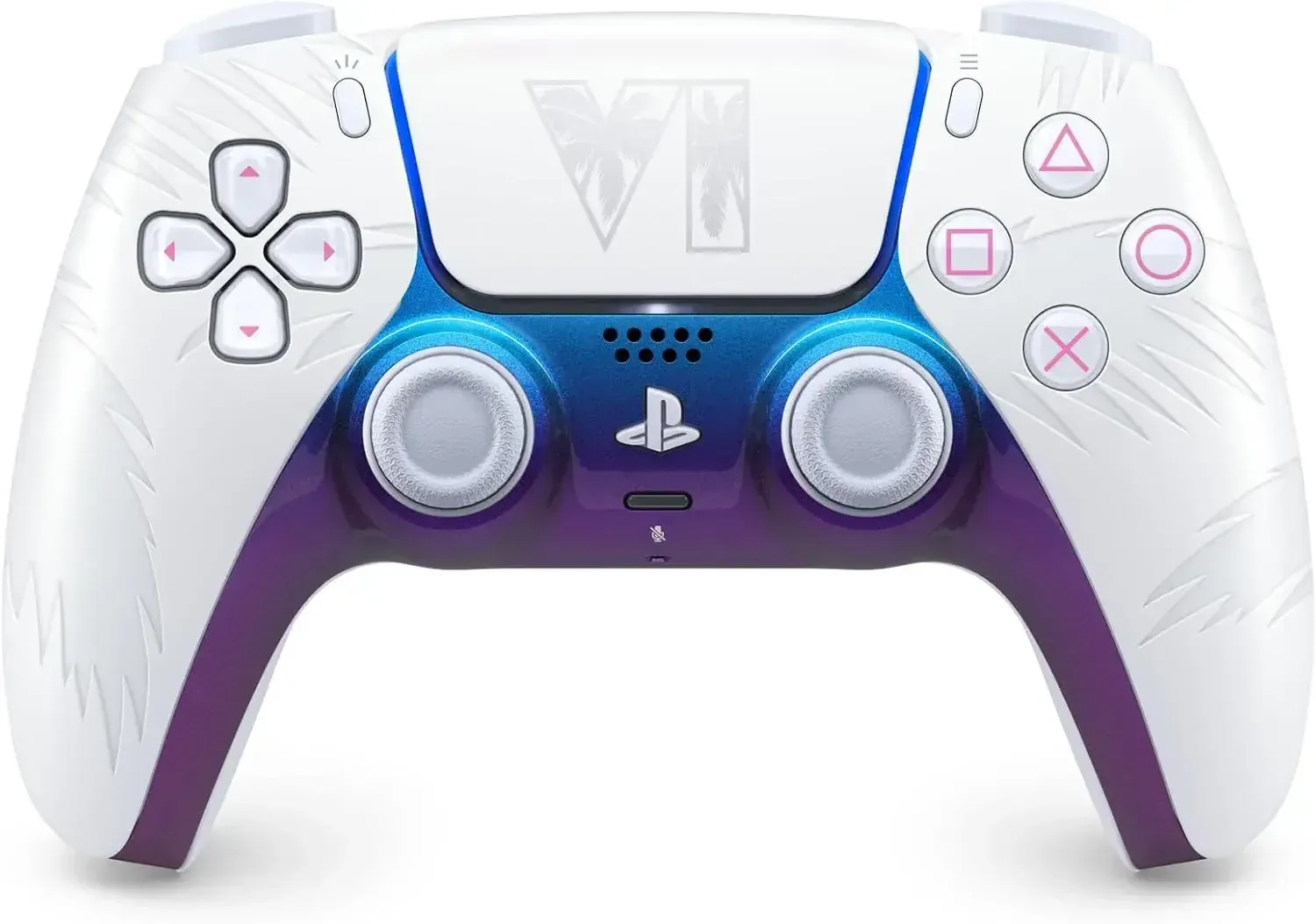
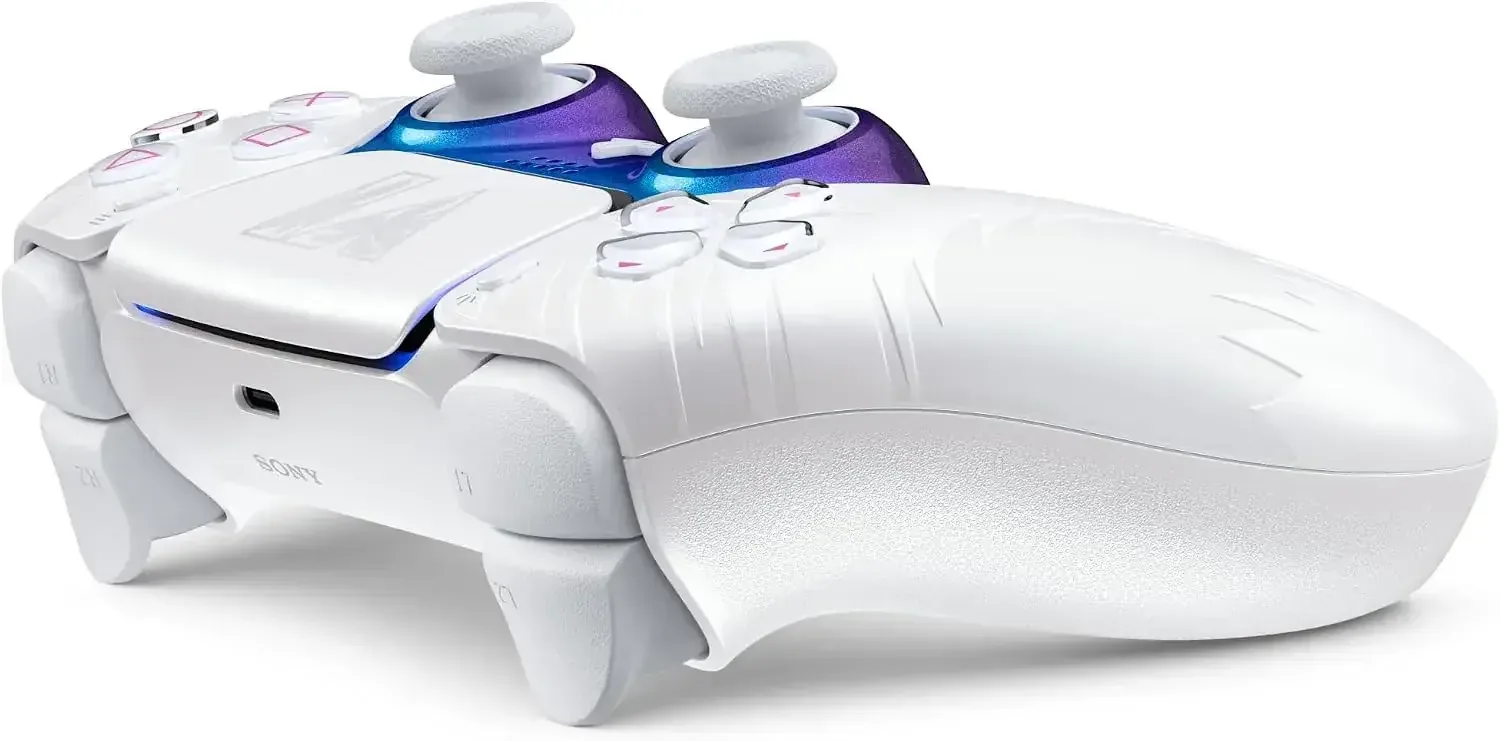

Description
Description
The SCE DualSense Wireless Controller creates a more immersive gaming experience across PlayStation 5, PC, Mac, and compatible mobile devices. Haptic feedback produces changing sensations that can mirror in-game environments, weapon recoil, and other actions, while adaptive triggers offer different levels of resistance in supported games. Combined, these technologies make gameplay feel more responsive and engaging.
Featuring a distinctive two-tone finish and intuitive button arrangement, this SCE DualSense Wireless controller blends familiar PlayStation controls with advanced functionality. The integrated microphone enables online chat, the Create button simplifies gameplay recording or livestreaming, and the built-in speaker delivers sound effects from the controller itself. Bluetooth pairing is also available with compatible Apple devices for supported controller-compatible games, including Apple Arcade titles.
Details
• Product Material: Plastic
• Manufacturer: SCE
• Made in: China
Features
SCE DualSense Wireless haptic feedback uses dual actuators to create immersive in-game sensations.
Adaptive triggers deliver adjustable resistance and tension in compatible games.
Integrated microphone supports online chat and includes a convenient mute button.
3.5 mm headset jack allows connection to a compatible headset.
Create button supports gameplay capture and livestreaming.
Two-tone styling features an intuitive button layout, refreshed light bar, and refined analog sticks.
Built-in speaker provides game sound effects directly through the controller.
Motion sensor includes an accelerometer and gyroscope for supported motion-based controls.
Internal battery recharges through USB Type-C; cable is not included.
Bluetooth pairing works with compatible iPhone, iPad, Mac, and Apple TV devices.
Compatible with PlayStation 5, PC, Mac, and supported mobile devices.
Designed for users of all ages.
How to use
Pair the SCE DualSense Wireless controller with a compatible device over Bluetooth, or attach it with a USB Type-C cable for connection or charging. Operate the buttons, analog sticks, touchpad, motion controls, microphone, headset jack, and Create button according to the features supported by the connected game or device. Haptic feedback, adaptive triggers, and motion functions work only with compatible games. Apple devices require supported operating system versions, while online PlayStation chat requires an internet connection and a PlayStation Network account.
Care instructions
Keep the controller clean and dry, and place it somewhere secure when it is not being used. Recharge it through the USB Type-C port with a compatible cable. Protect the controller from liquids, excessive heat, strong impacts, and abrasive cleaning products. Remove accessories gently and follow the instructions provided for the connected device and game during use.